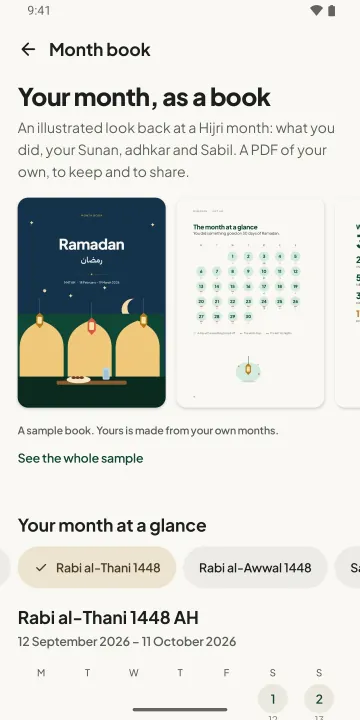
Your Hijri months, as an illustrated book
An illustrated look back at one or more Hijri months: a diary of what you did each day, the ayat and ahadith it rests on, your Sunan, your Sabil and what you earned. A PDF in A5, made from what you ticked off, to keep, to read again and to share. The good of your months, written down.
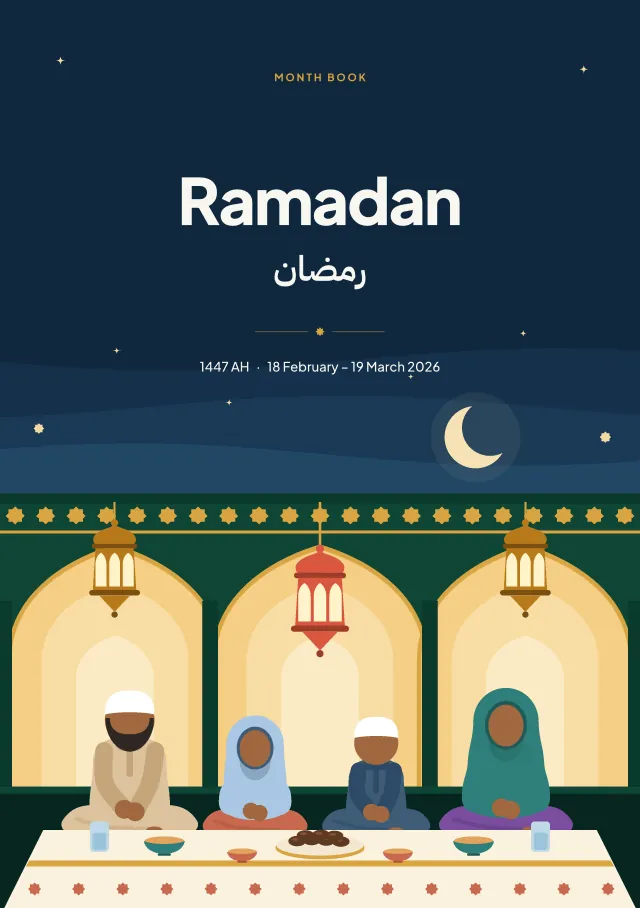
Look inside first
In the app, a sample book shows what yours will look like, in the language of your book. It is free to look through, and you can open the whole sample as a PDF before you decide.
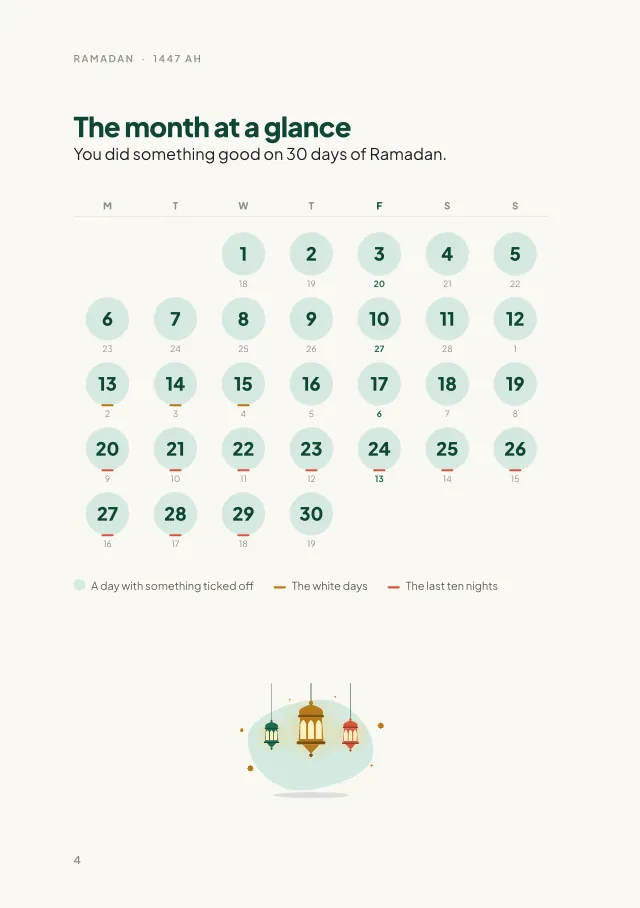
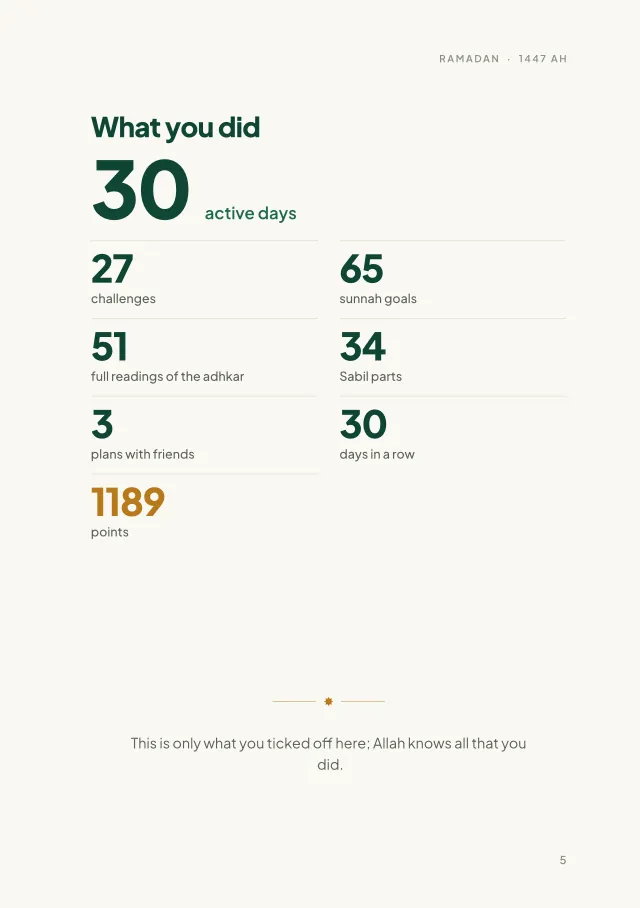
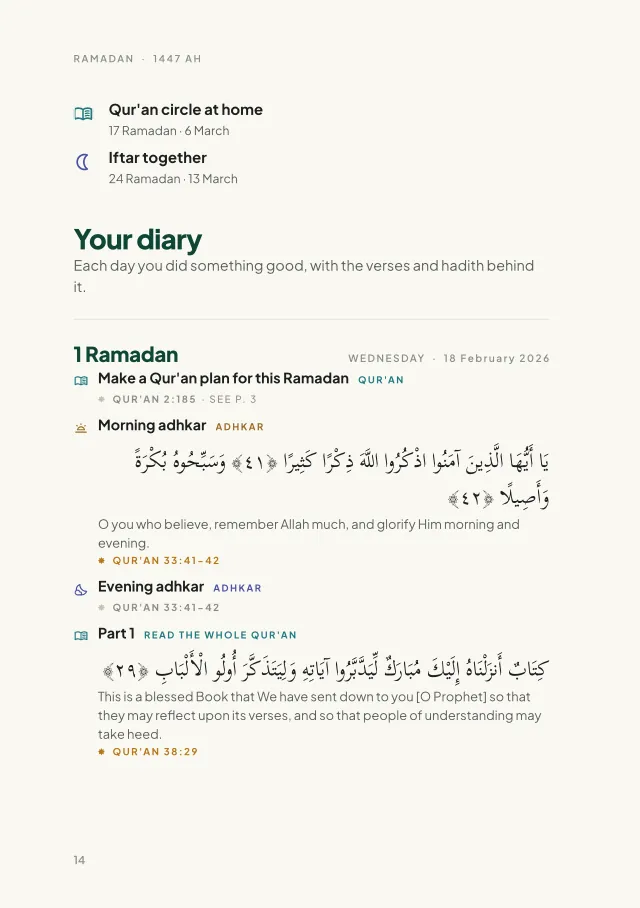
A sample book. Yours is made from your own months. The whole sample (PDF)
Ordering, step by step
Open the month book
In the app, go to Progress and tap “Month book” near the end of the page.
Look at a month for free
“Your month at a glance” shows any month since you began, drawn on your phone: a calendar of the days you did something, and numbers that only add up. It costs nothing and sends nothing, and it is a lovely way to see a month before you order it.
Choose your months
You can order months that have ended, from this Hijri year and the last, with at least one day on which you ticked something off. The month that is running now can be ordered once it has ended. A book holds one Hijri year: months of another year make a book of their own.
Choose what goes in
The language of the book, and if you like: your notes from the weekly reflection, the places of your plans with friends and a name on the cover. Each of these goes in only when you turn it on, and only for this book. Your notes from Sabil lessons are already switched on, as the lesson told you, and the page shows how many go in; one tap leaves them out.
See the price, and pay in the store
The app shows the price from Google Play or the App Store, in your own currency, before anything is paid. You agree to what is sent (below), tap “Order my book” and pay through the store as you would for any app.
Your book arrives
It is made in a few seconds; a whole year can take up to a minute. The PDF is saved on your phone under “My month books”, where you can open it, share it or delete it.
Sizes and price
There are five sizes: one month, two months, three months, up to six and up to twelve. You pay an amount that depends on the size of your book, and the app always shows the store's own price, in your currency, before you pay.
The two larger sizes hold a range, so four months cost the same as six. The app then tells you how many more months fit at no extra cost, and “Add them” adds them with one tap. At three or six months it also tells you what one more month would cost, as the next size.
- 1 month
- 2 months
- 3 months
- 4 to 6 months
- 7 to 12 months
How the book is made
Only when you order, and after you agree, the app sends what you ticked off in the chosen months: ids, dates and counts, none of your names or texts, plus your notes, places or cover name if you turned them on, and your notes from Sabil lessons unless you switched them off. It is sealed with a key made for this one order and goes to our server in the EU (Google Cloud, the Netherlands).
The server checks your purchase with Apple or Google, makes the book in its memory, sends the PDF back to your phone and keeps nothing of its content. Of the order it keeps only the bookkeeping needed to check the purchase, for up to 13 months.
Your phone checks that the PDF arrived whole before it saves it. The book itself is only on your phone: keep a copy in Files or Drive as well.
Privacy policyIf something goes wrong
Your purchase is safe. If the book can't be made at once, because you are offline or the server is busy, the app tries again by itself, and you can tap “Try again” too. You are never charged twice.
If it still can't be made after several tries, you get your money back: Google Play refunds a purchase that is not completed within three days by itself, and on iPhone the app offers “Request a refund” to Apple.
A payment waiting for approval, such as Ask to Buy or Family Link, shows as waiting; the book follows once it is approved.
A new phone
Paid for a book that was never made, and the phone no longer knows its months? The app finds the purchase in the store and shows “A book you paid for”. Tap “Choose its months”, choose them again, and the book is made, without paying again. If it was made before, choose the same months.
Under 18
For anyone under 18, a father or mother agrees by e-mail first. If your age in the app is between 13 and 19, the month book asks once whether you are 18 or older.
The app asks for the parent's e-mail address, never the child's. The parent gets one e-mail with a link to one page, and says yes or no. Until then the app shows no price and no button. The yes counts for 12 months on that phone.
A child under 13 gets a child edition, in simple words and without notes or places. If a parent orders it from their own phone, their child’s first name can go on the cover.
Parents